






Instant search
Filters products as the customer types, without reloading the page.
A Suite.coffee application
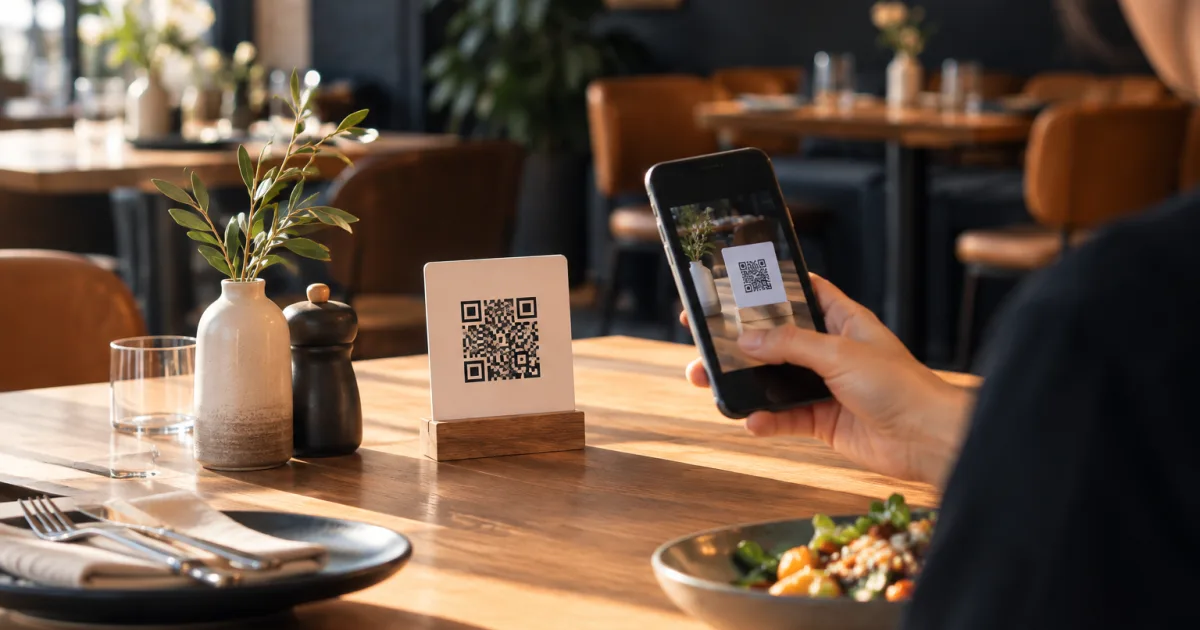
Publish your menu, share a QR code and update dishes, prices or availability instantly. Customers open it in their browser, with no app to install, and quickly find what they can order.
No card · 1 menu, up to 20 products and 1 QR code on the free plan.
 EN
ENInteractive menu
A PDF can be useful to download or print, but it is awkward on a small screen. Meal.coffee provides a mobile-first interactive menu and keeps PDF as an additional option.
For every customer
The menu stops being an endless list and becomes a useful tool while customers choose.
Filters products as the customer types, without reloading the page.
Coffee, breakfast, starters or drinks can be filtered and collapsed.
Vegetarian, vegan, gluten-free, spicy, halal, kosher, new or recommended.
Customers select what to avoid and the menu hides incompatible products.
Visitors switch language from a recognisable selector with flags.
Coloured allergen icons with an expandable legend on each product.
Everyday control
Create separate menus for breakfast, lunch, dinner, drinks, seasons or events. Choose the dates, weekdays and times when each one is visible.
Personal tally
They can add one or more units, remove products and see the total cost in a list stored on their device during the visit.
Decisions with context
Review views, QR scans, devices, languages, filters and search terms. Searches with no results reveal missing products and hard-to-find names.
Getting started
Add your name, logo, currency, language and a visual theme.
Create categories and products with prices, images, tags and allergens.
Download the QR for tables, the bar, windows, social media or WhatsApp.
Flexible hospitality
Food, wine, dessert and seasonal menus.
Breakfast, coffee, pastries and instant sold-out status.
Drinks, small plates and QR codes for different areas.
Menus by time, language, service point or event.
Start without risk
The free plan includes 1 menu, up to 20 products and 1 QR code. Increase the limits later without rebuilding your content.
No. They scan the QR code and the menu opens directly in their mobile browser.
No. The code is stable and always opens the latest published version.
Yes. The public menu offers a localised PDF download for saving, sharing or printing.
Yes. Create several menus and schedule them by date, weekday and time.
Customers select allergens to avoid and the menu hides products the business has marked as incompatible.
Yes. Names and descriptions can be maintained in several languages and customers switch inside the menu.
Yes. Change its availability and keep it visible as sold out without deleting it.
Yes. Codes can identify tables, areas or displays and open the menu and starting language you choose.
It includes 1 menu, up to 20 products and 1 QR code, with no card required.
Practical ideas and guides
Practical content about QR menus, allergens, menu design and customer experience.
A QR code menu should take guests straight to clear, current menu information on their phone—not ask them to install another app. Learn how to set up the experience, organise dishes and prices, and check the published menu as your offerings change.
A simple pre-service routine can help cafés and small restaurants keep dish names, prices and availability clear. Learn how to prepare menu changes, review the customer-facing version and check updates during service—without reprinting menus.
A practical workflow for independent restaurants and cafés to update menu prices clearly, keep QR menus current, brief staff and prevent confusing mismatches with printed menus.
Create the menu, generate the QR and let customers explore it from any phone.