










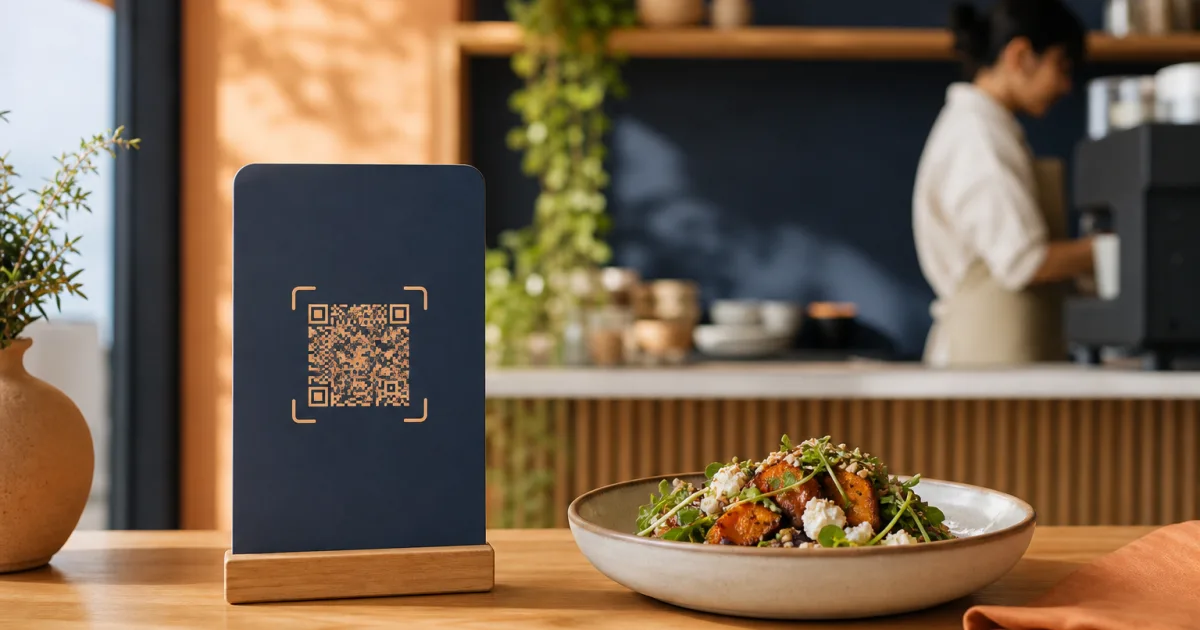
Limited-time dishes can give regular customers a reason to look again, help a café make the most of seasonal ingredients, and let a restaurant highlight a short-run idea without rebuilding its whole offering. The challenge is presentation: if temporary items are buried in the regular menu, customers may miss them. If they take over every category, the menu becomes harder to scan.
A QR menu gives independent cafés and restaurants a useful way to handle this balance. Because the digital menu can be changed without reprinting, you can give temporary dishes clear visibility while keeping the familiar core menu stable. The goal is not simply to add more items. It is to help customers recognise what is new, understand whether it is available, and still find their usual choice quickly.
Decide which items need temporary placement
Not every menu change needs to be treated as a limited-time feature. A temporary placement works best when an item has a clear reason to stand apart from the regular menu. That might include a seasonal drink, a dish built around a short-lived ingredient, a daily special, or a small run you want customers to notice before it is gone.
Start by asking three simple questions for each item:
- Is it genuinely temporary? If you expect the item to remain for the foreseeable future, place it in its normal permanent category instead.
- Does it need extra visibility? A short-run dish that sits quietly among many similar options may be overlooked.
- Can a customer understand it quickly? Temporary items should still have a clear name, short description, and price so customers can decide without searching for more information.
This approach prevents a common problem: calling too many things “special.” When every section contains a highlighted item, customers lose the visual cue that tells them what is actually new or time-sensitive. Reserve temporary placement for a focused group of dishes or drinks that deserve attention.
For example, a café might separate a seasonal iced drink and a limited pastry from its everyday coffee and baked goods. A restaurant might collect a short-run starter and a seasonal main in one clearly named area. The item remains easy to find, while the regular menu keeps its established structure.
Keep regular categories recognisable
Customers often arrive with a destination in mind: coffee, breakfast, sandwiches, starters, mains, desserts, or drinks. A well-organised digital menu should support that quick path. Adding limited-time items should not force someone to relearn where everything else lives.
Keep the categories that represent your core offer consistent. If sandwiches are normally in a sandwich category, leave that category intact. If your drinks are organised by coffee, cold drinks, and other beverages, avoid mixing those groups just because a seasonal item has arrived. Familiar categories reduce scanning effort, especially for returning customers.
A dedicated temporary section can work well when there are several short-run dishes to promote. Name it plainly, using wording such as Seasonal favourites, This week, or Limited-time menu. The best label is one that matches the actual period and promise. Do not call an item “today only” unless it will truly be removed after that day.
When there is only one temporary item, a separate category may be unnecessary. In that case, place it in its natural category and make its limited status clear in the item name or description. A seasonal latte belongs with coffee; a one-week dessert belongs with desserts. This preserves the menu’s logic while giving the item appropriate context.
For a more detailed approach to arranging categories for small screens, read how to structure a café menu for faster mobile scanning. The same principle applies here: customers should be able to move from category to choice with minimal effort.
Choose one clear home for each temporary item
A limited dish should have one primary place in the menu. Repeating it across several categories may seem helpful, but it can create uncertainty. Customers may wonder whether two listings are the same dish, whether the price differs, or whether one version has different availability.
If you use a temporary section, make that the item’s main home. If you instead add the item to a regular category, keep it there and identify it as seasonal or limited. This gives customers a reliable route to the information they need.
Make availability clear before customers choose
Visibility alone is not enough. A customer who selects a dish only to learn that it is no longer available has had a frustrating menu experience. Limited-time items need clear, current availability information before the customer gets too far into their decision.
Use direct language that describes the item’s status accurately. Depending on the situation, that could mean noting that an item is available this week, for the season, while a particular ingredient lasts, or on selected days. Keep the wording brief and specific. A customer should not need to interpret vague language to understand whether an item is likely to be available.
The description can also explain why the item is temporary. A concise detail about a seasonal ingredient or a short-run preparation gives the item meaning without turning the menu into a long announcement. This is particularly useful when a customer is deciding between a familiar regular dish and something new.
Make the temporary status visible at the point of choice, not only in a separate notice or at the counter.
Prices matter just as much as descriptions. A limited-time dish should have its price shown as clearly as every permanent item. Customers should be able to compare options confidently, whether they are viewing the menu on their own phone or choosing as part of a group.
With QR Menu, restaurants and cafés can publish a digital menu behind a QR code and update dishes, prices, and availability without reprinting menus. That makes it practical to keep temporary listings aligned with what is actually being served, rather than leaving an outdated printed insert on the table.
Give temporary items a useful order
Within a limited-time category, order affects what customers notice first. Put the items you most want customers to consider near the beginning, but avoid making the section feel like a crowded list of unrelated offers. A short, ordered selection is easier to browse than a large collection of every recent change.
You can group items in ways that reflect how customers choose. A café could put seasonal drinks before seasonal food if drinks are the most immediate decision. A restaurant could group limited starters, mains, and desserts in the order of a meal. The important point is consistency: the order should make sense without explanation.
Keep descriptions useful rather than decorative. Mention the ingredients or the style of the dish that will help someone decide. If an item has a temporary availability window, include that information plainly. Avoid relying on an unfamiliar name alone, especially if the item differs significantly from the regular menu.
Remove or update limited items promptly
The main advantage of a temporary menu area is lost if expired items stay visible. A seasonal offer that has ended should not remain alongside available choices. It can disappoint customers, slow service, and make the menu look less reliable.
Set a simple review point before you publish the item. If it is a daily special, check it at the start and end of the day. If it is a weekly or seasonal dish, choose the date or condition that will trigger its removal. The aim is to make updating part of the operating routine, rather than an afterthought once a customer asks for an unavailable item.
When a temporary item ends, remove it or update its availability promptly. Do not leave it listed merely because it may return someday. If it comes back later, add it again when it is genuinely available. This keeps the current menu focused and gives a future return the feeling of a new occasion.
Daily specials deserve particular care because they can change faster than the rest of the menu. For guidance on presenting them without disrupting familiar choices, see how to publish daily specials on a QR menu without confusing regular customers.
Use a simple pre-publish checklist
Before making a limited-time item live, run through a short check. This protects the customer experience and keeps the menu easier for the team to maintain.
- Confirm the item belongs in a temporary placement. Keep permanent additions in their normal category.
- Select one clear location. Use either a dedicated seasonal section or the item’s natural regular category.
- Write a concise, useful description. Include the details that help a customer choose.
- Show the current price and availability. Be specific about the time period when relevant.
- Set a review or removal point. Make sure the listing changes when the offer ends.
Conclusion: make the new easy to spot and the familiar easy to find
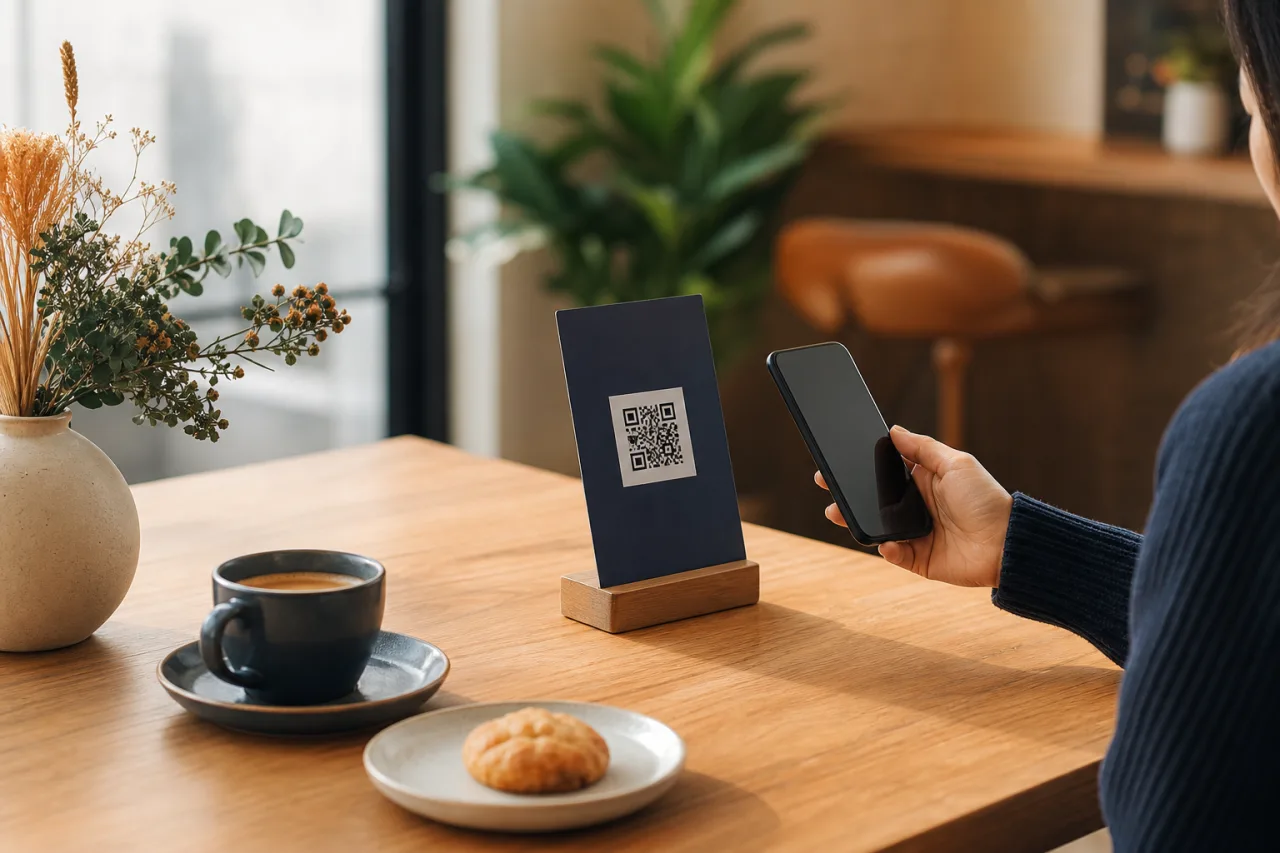
To show limited time items on a QR menu effectively, give them a clear, truthful status without disrupting the categories customers already know. Choose only the items that merit temporary attention, present each one in a single logical place, state availability before the customer chooses, and remove listings as soon as they no longer apply.
Plan where temporary items will appear before the next menu change. Then use QR Menu for a clear, updateable digital menu to keep seasonal dishes, prices, and availability current without reprinting.