










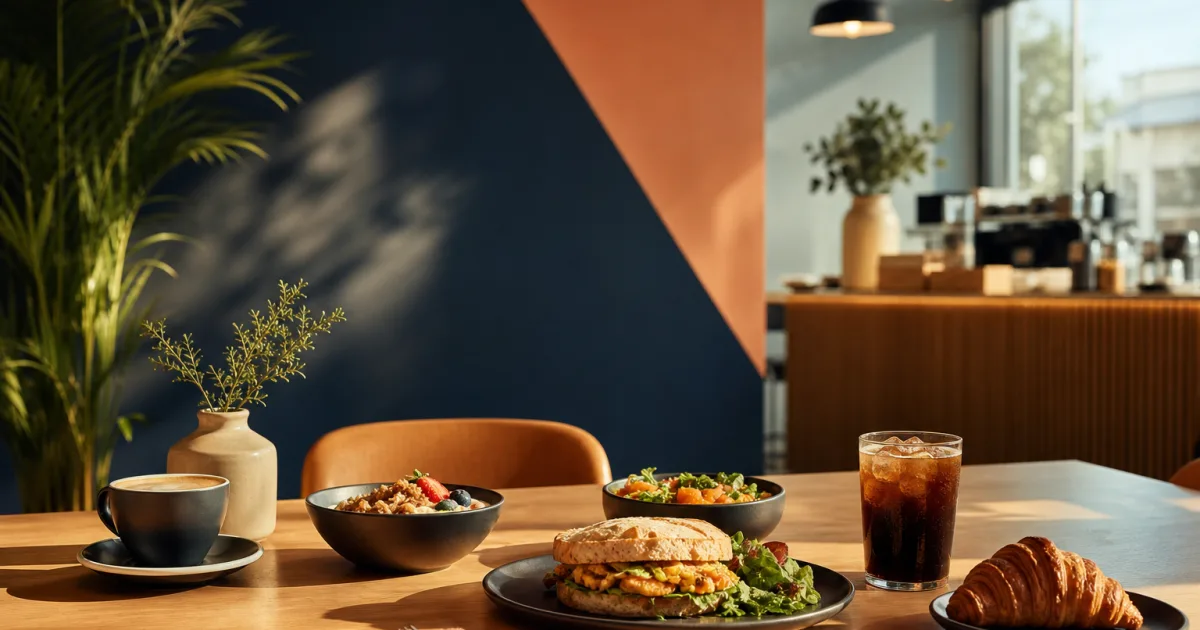
A café menu can become difficult to navigate when breakfast, lunch and all-day items share the same digital space. Guests may arrive looking for coffee and pastries in the morning, a quick sandwich at midday, or a familiar all-day option later on. If every dish is placed in one long list, customers have to search for what they can order now. That slows decisions and makes the menu feel less clear than it should.
Planning QR menu categories for breakfast and lunch is not mainly about creating more sections. It is about arranging choices around the way people order at each service period, while keeping one mobile menu easy to maintain. A well-organised QR menu helps guests find relevant items quickly, helps staff communicate what is available, and reduces the need to reprint menus when dishes, prices or availability change.
Start with the customer’s ordering moment
Before naming categories, map your current menu to the times and situations in which guests order. Think about what a customer expects to see when they scan a code at 8am, 12:30pm, or late afternoon. The same café may have different priorities at each point in the day.
Breakfast guests often want a fast, familiar route to drinks, pastries, eggs, or lighter plates. Lunch guests may be looking for sandwiches, salads, bowls, or more substantial dishes. All-day customers may want coffee, cold drinks, cakes, snacks, or a small selection of dishes that remain available beyond the main services.
Write down every item and assign it to one of three practical groups:
- Breakfast-only items: dishes or bundles offered only during morning service.
- Lunch-only items: items that begin at lunch or are prepared specifically for that service.
- All-day items: drinks, baked goods, snacks, or dishes that stay available across more than one period.
This exercise reveals where the menu may be creating uncertainty. For example, a sandwich that is not available until lunch should not sit in a prominent breakfast category. Likewise, an all-day cake selection should not disappear simply because the breakfast menu changes. The aim is not to force every item into a rigid timetable; it is to give each item a clear and useful place.
Build categories around decisions, not kitchen terminology
Categories should help a guest choose, rather than describe every operational detail behind the counter. Names such as Morning Plates, Pastries, Lunch Favourites, Salads, Hot Drinks, and All-Day Treats are usually easier to understand than labels based on internal prep stations or stock groups.
Use the language your customers already use when ordering. If guests ask for “brunch” rather than “morning service,” a brunch category may be clearer. If your lunch menu is centred on sandwiches, say sandwiches. Simple names reduce hesitation on a phone screen, where people usually scan rather than read every item in detail.
A good category answers one quick question: “Is this where I would expect to find what I want right now?”
Keep the mobile category structure short and clear
Mobile menus work best when customers can understand the choices without excessive scrolling. A long list of narrowly defined categories may look organised from the owner’s perspective, but it can make the menu feel fragmented for a guest. Start with a small set of meaningful sections, then add detail only when it makes finding an item easier.
For a café with breakfast, lunch and all-day service, a starting structure might include:
- Breakfast
- Pastries and Bakes
- Lunch
- All-Day Favourites
- Hot Drinks
- Cold Drinks
This is only a starting point, not a required template. A compact menu may combine breakfast and all-day food into one category. A larger café may need separate sections for sandwiches, salads, or sweets. The useful test is whether a first-time visitor can find an item without guessing where it might be listed.
Keep similar choices together. Do not place some breakfast drinks under Breakfast and others under Hot Drinks unless that distinction is obvious and genuinely useful. Avoid repeating the same item in several places unless there is a clear reason to do so, because repeated listings can create confusion when availability or prices are updated.
For more guidance on arranging sections for quick browsing, review a clear café menu structure for mobile scanning. The principle is simple: put the categories customers use most often within easy reach, and make each label do meaningful work.
Use category order to reflect service priorities
The order of categories matters because it quietly guides attention. During breakfast, guests should encounter the morning offer without having to pass through unrelated lunch options. During lunch, lunch items should be easy to spot. All-day drinks and treats can remain consistently visible because they are relevant across the day.
Review whether your category order needs to change as service changes. If it does, make sure the menu remains recognisable rather than completely rearranged. Customers who visit regularly benefit from a stable structure: they know where to look for coffee, pastries, or their usual lunch choice. The changing part should be what is available, not the entire logic of the menu.
Show only items customers can order now
Clear categories are only useful when the dishes inside them reflect current service. Showing unavailable breakfast plates after breakfast has ended creates an avoidable disappointment. Showing lunch options before they can be ordered can produce questions for staff and uncertainty for guests.
Make availability part of your daypart plan. At each transition, check the items that need to appear, the items that need to be removed from view, and the all-day selections that should remain. This is especially helpful for dishes with limited preparation, changing stock, or service-specific timing.
A digital menu gives you a practical way to handle these changes without reprinting paper menus. With QR Menu for updating dishes, prices and availability, cafés can publish a digital menu behind a QR code and make changes as the day moves from breakfast to lunch. Guests can access the menu on mobile without installing anything, while the café keeps the displayed offer aligned with what is currently being served.
Do not use availability changes as a substitute for good organisation. Hiding an item is useful when it is not available; a clear category is useful every time it is available. Both parts need to work together. A lunch section that becomes active at lunch is easier to understand than a mixed food category where customers must inspect every item to discover the service time.
Create a simple service-transition routine
The handover from breakfast to lunch is where an otherwise well-planned menu can lose clarity. Build a short routine that someone on the team can complete consistently. The routine should be practical enough to use during a busy service, not a lengthy administrative task.
- Check the time and current service: confirm whether breakfast, lunch, or all-day service is the active offer.
- Review breakfast-only items: remove or mark unavailable any dishes that are no longer being served.
- Review lunch items: make the current lunch selection visible and confirm that listed dishes can be ordered.
- Check all-day categories: keep drinks, cakes, snacks, and other continuing items available where appropriate.
- Confirm prices and wording: ensure today’s menu reflects the intended offer before guests begin ordering.
Assign responsibility for this check so it does not depend on someone remembering it informally. The person may be an owner, manager, barista, or team member opening the lunch service. What matters is that the menu has an owner at each transition.
If your café changes items or pricing regularly, manage your café’s digital menu availability in one workspace so the QR menu remains a reliable reflection of the counter and kitchen. This supports clearer guest expectations and gives staff one less source of confusion to manage during service.
Review the menu from a guest’s point of view
Once the categories are in place, test them at the actual moments customers use them. Scan the QR code on a phone during breakfast and again at lunch. Ask a few basic questions: Can you find a breakfast dish immediately? Can you tell what is available now? Can you find a coffee or sweet item without searching through lunch dishes? Is any category name unclear?
Pay attention to items that do not fit easily. They may signal that a category needs a better name, that an item belongs in an all-day group, or that the dish should only appear during a specific service. Small adjustments can make a substantial difference when guests are making quick choices.
It is also worth reviewing the menu whenever the offer changes. A new lunch special, an updated pastry range, or a revised drinks list can alter the balance of a category. Keep the structure useful instead of allowing it to become a record of every menu decision made over time.
Conclusion: make each daypart easy to understand
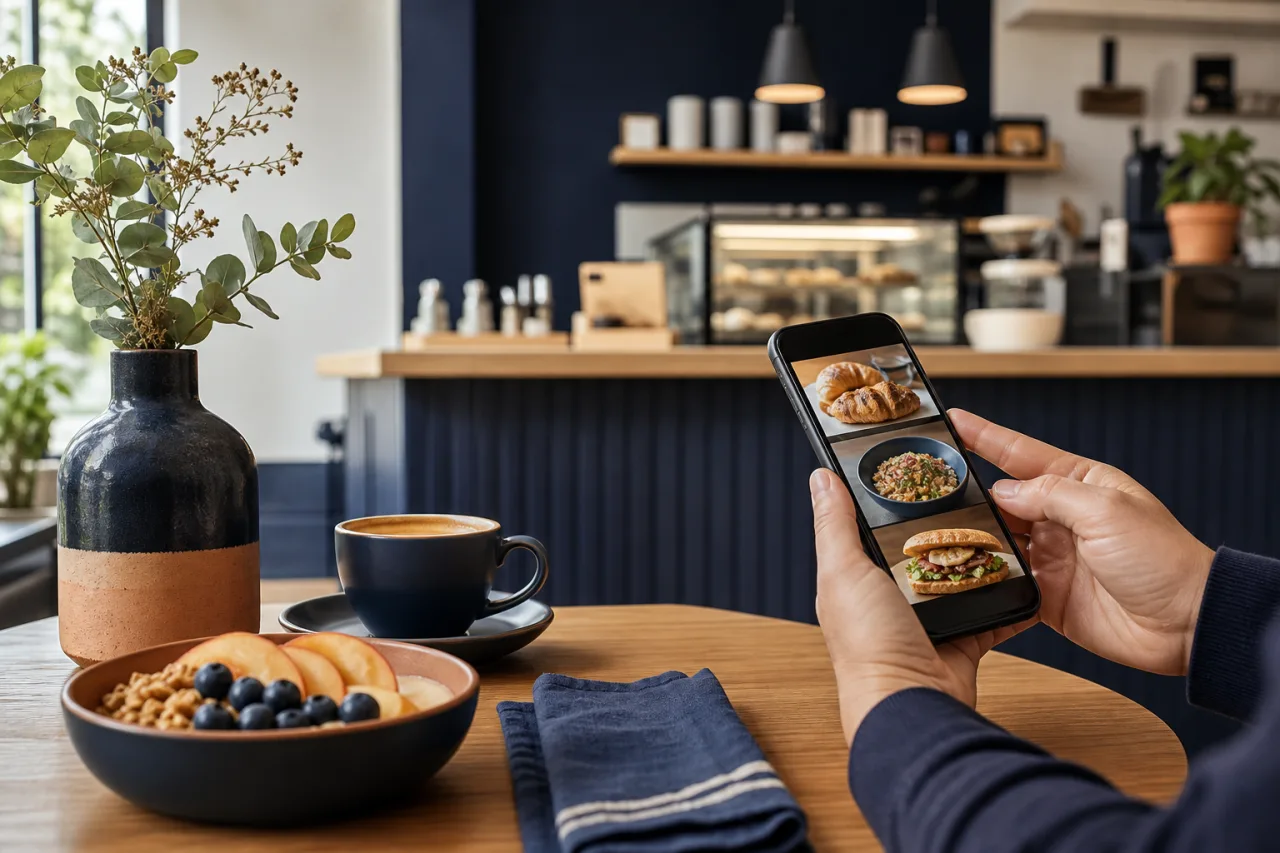
A strong daypart digital menu gives guests the right choices at the right time without making them work to find them. Map dishes to breakfast, lunch, and all-day service; use plain category names; keep the mobile structure compact; and update availability at every transition. The result is a QR menu that is easier to browse and simpler for your team to keep current.
Map your current items into daypart categories before the next service change. Then use QR Menu to publish a clear mobile menu and update dishes, prices, and availability as your café’s day unfolds.