










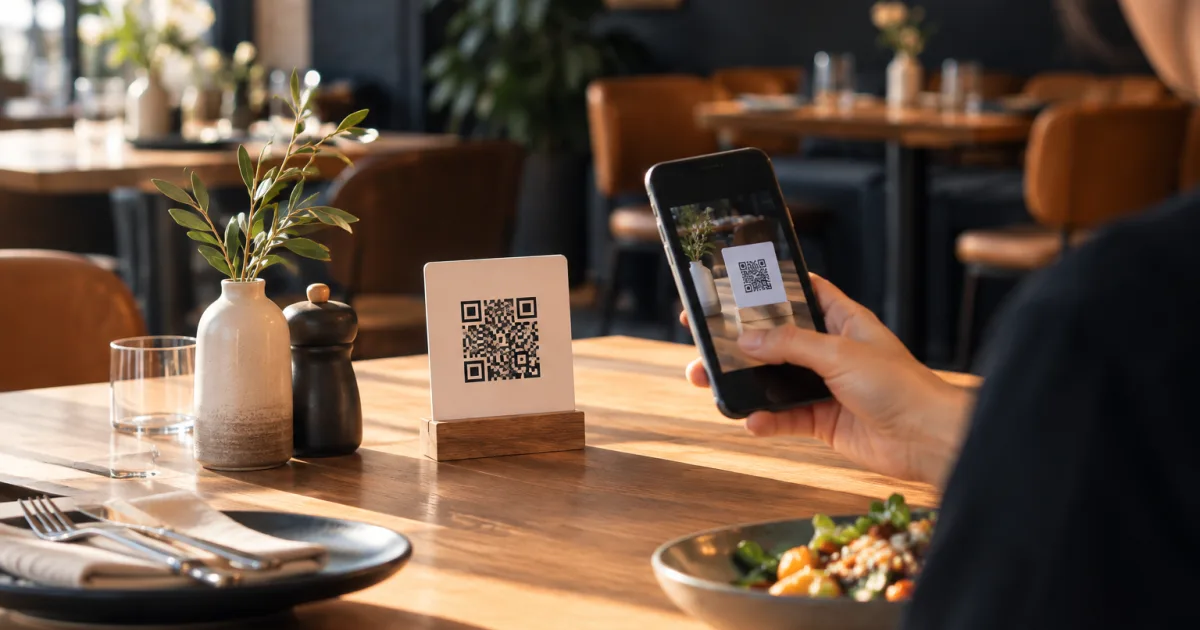
A QR code menu is useful only if guests can get to the information they need without confusion. For many café and small restaurant owners, that means a simple path from scanning a code to viewing the menu on a phone—without asking customers to download a dedicated app.
The experience depends on more than the printed code. The menu page should be easy to open, readable on a small screen and accurate on the day a guest visits. This guide covers what customers should expect, how no-app access works, and a practical way to keep the menu current.
What customers should expect when they scan a restaurant QR code
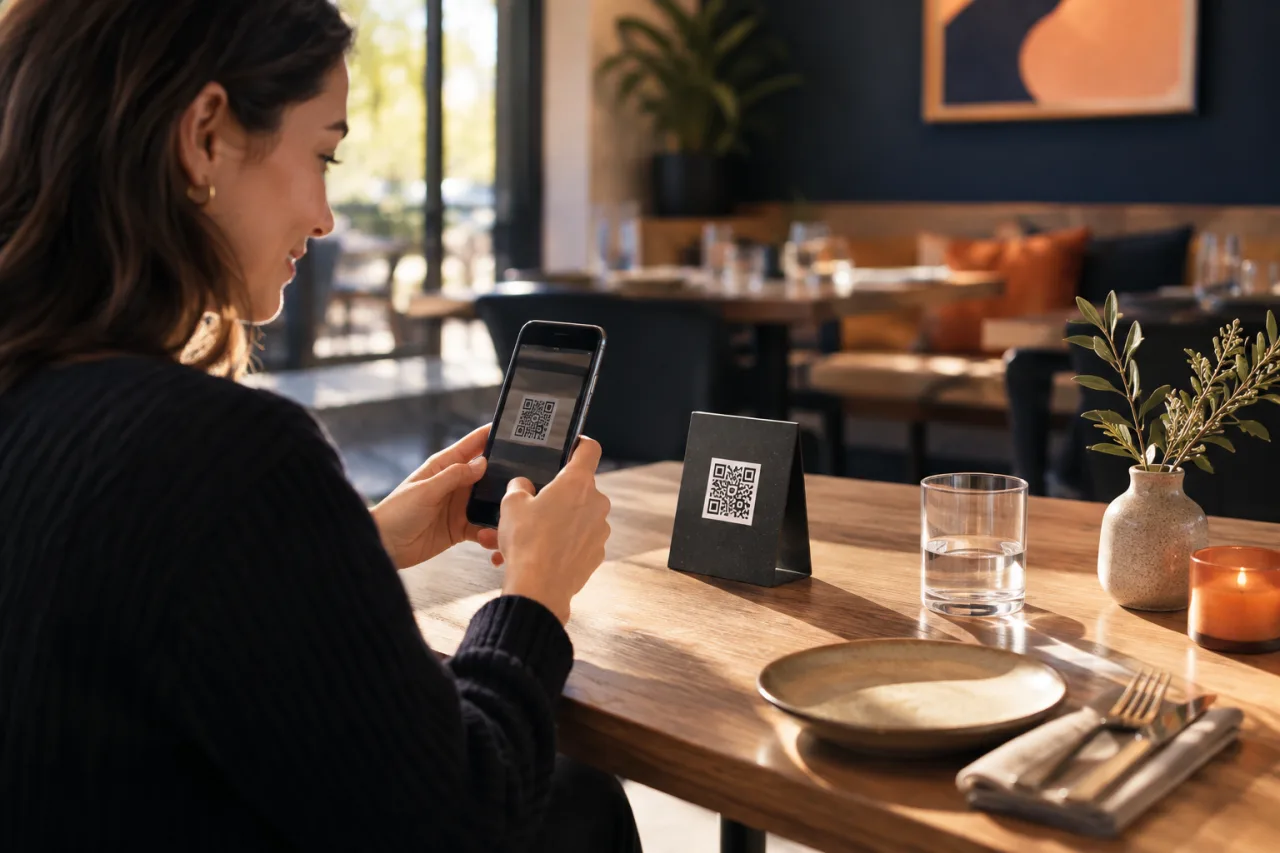
A guest scanning a restaurant QR code is usually looking for a straightforward answer to a few questions: What can I order? How much does it cost? Is the item available? The menu should make those details easy to spot, rather than sending the guest through several unexplained steps.
Set expectations before the scan. A small, legible sign can say that scanning opens the menu on the guest’s phone. Place the code where people can comfortably use it, such as on a table or at the counter, and make sure the printed code is not obscured or damaged. If there is also a paper menu or another way to ask about the offerings, make that clear. A QR menu can support service, but it should not leave guests uncertain about what to do next.
Think about the whole visit from the customer’s point of view. They may be standing at a counter, seated at a table, or deciding what to order with someone else. A useful menu gives them a clear starting point and lets them browse at their own pace. Avoid making scanning feel like a test: explain what the code does in plain language and keep the destination focused on the menu.
How a digital QR menu works without requiring an app installation
A QR code can direct a phone to a digital menu page. In a typical setup, the customer scans the code with a phone camera or QR-reading feature and opens the destination in a web browser. They do not need to install a restaurant-specific app just to read the menu. The exact scanning steps can vary by device, so keep any instructions brief and offer help if a guest needs it.
For a digital menu to load, the phone generally needs an internet connection. That makes it sensible to test the experience in the places where guests will scan, rather than assuming the printed code alone is enough. Check that the scan leads to the intended menu and that the page is usable on a phone. If the connection is unavailable or a guest prefers not to scan, staff should be ready to explain the alternatives available at the venue.
Keep the code destination stable and understandable. Customers should land on the menu itself or on a clear page that leads directly to it—not on an unrelated page where they have to hunt. If you are choosing a tool, look for a way to publish a digital menu behind a QR code and make changes to menu information without reprinting it every time. QR Menu is one option for restaurants and cafés that want to publish a digital menu, update dishes, prices and availability, and give guests a mobile experience without requiring an app installation.
Organise dishes and prices so guests can find information easily on a phone
A menu that looks orderly on a printed sheet may feel crowded on a phone. Use clear section names and a predictable order so guests can move from one part of the menu to another without losing their place. For example, group items by the way customers naturally browse in your café, and avoid mixing unrelated offerings under a vague heading.
Give each dish a clear name and a concise description. Include the details that help a guest understand what they are choosing, while avoiding long blocks of text that are difficult to scan on a small screen. Keep prices close to the corresponding items and use a consistent format throughout. If an item has options, present those choices in a way that makes the relationship to the dish clear.
Use short paragraphs, headings and whitespace to make the page easier to read. A guest should be able to scroll through it without facing a dense wall of text. Review the menu on a phone rather than relying only on a desktop preview. Check that text is legible, sections are in a sensible sequence, and the guest can tell where one item ends and the next begins.
Clarity matters for practical reasons as well as presentation. When dishes, descriptions and prices are easy to associate, guests can make choices with more confidence and staff have a clearer reference when answering questions. This does not require elaborate design; a well-organised menu with consistent formatting can do the job.
Review menu details and availability when offerings change
Digital menus are not automatically accurate simply because they are online. A new dish, a changed price or an item that is no longer available needs attention in the published menu as well as in the information staff use. Otherwise, guests may read one thing on their phones and hear another at the counter.
When something changes, check the menu as a whole rather than updating only the most obvious line. Confirm the dish name, description, price and availability, and make sure the change appears in the right section. If an item is temporarily unavailable, decide how that should be communicated so a guest does not mistake it for an option they can order.
Consider who is responsible for making and reviewing menu changes. In a small business, a simple ownership arrangement helps prevent edits from being missed or duplicated. The person responsible should know which version is current and should check the published page after an update. This is especially useful when offerings change during service or between menu reviews.
A QR menu can reduce the need to replace printed menu copies when details change, but it still depends on someone maintaining the published information. Choose a process your team can realistically follow. The aim is not to update for its own sake; it is to keep the information guests see aligned with what the café or restaurant is offering.
A simple routine for checking the published menu
A brief, repeatable check is more useful than relying on memory. Use a checklist that fits your service and menu-change habits. For example:
- Before opening or service: Check that the QR code opens the intended menu and that key items and prices are current.
- When an offering changes: Update the relevant information and verify the change on the published page.
- On a phone: Review the menu as a guest would, including headings, descriptions and the way prices appear.
- At the venue: Check that the printed code is visible, readable and positioned where guests can scan it.
- After a menu review: Confirm the full set of sections, not only newly added or changed items.
Keep the routine proportionate. A small café may have a shorter menu and fewer changes than a larger restaurant, but both benefit from knowing who checks the page and when. If several people contribute updates, agree on a simple handoff so a change made in one place is reflected in the menu customers see.
Make the scan a useful part of the visit
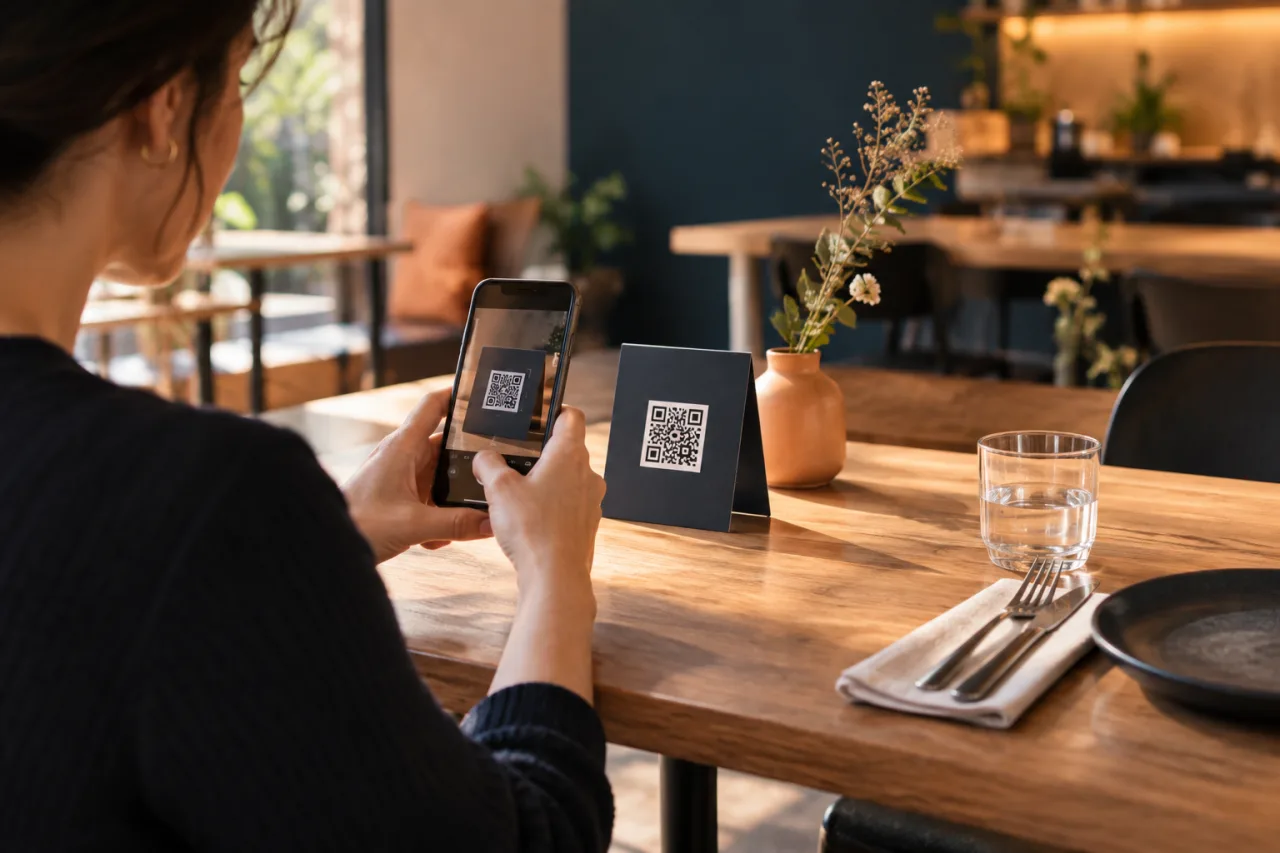
A QR code menu without an app download starts with a clear promise: scan the code and open the menu on your phone. Keep the destination easy to reach, organise dishes and prices for mobile reading, and check that availability and other details match what your team is serving. The code is only the entry point; a dependable guest experience comes from the information behind it and the routine that keeps it current.
If you are considering a digital QR menu, explore whether it fits your café or restaurant’s way of keeping menu information current. Choose an approach your team can maintain and that gives customers a clear, convenient way to browse.