










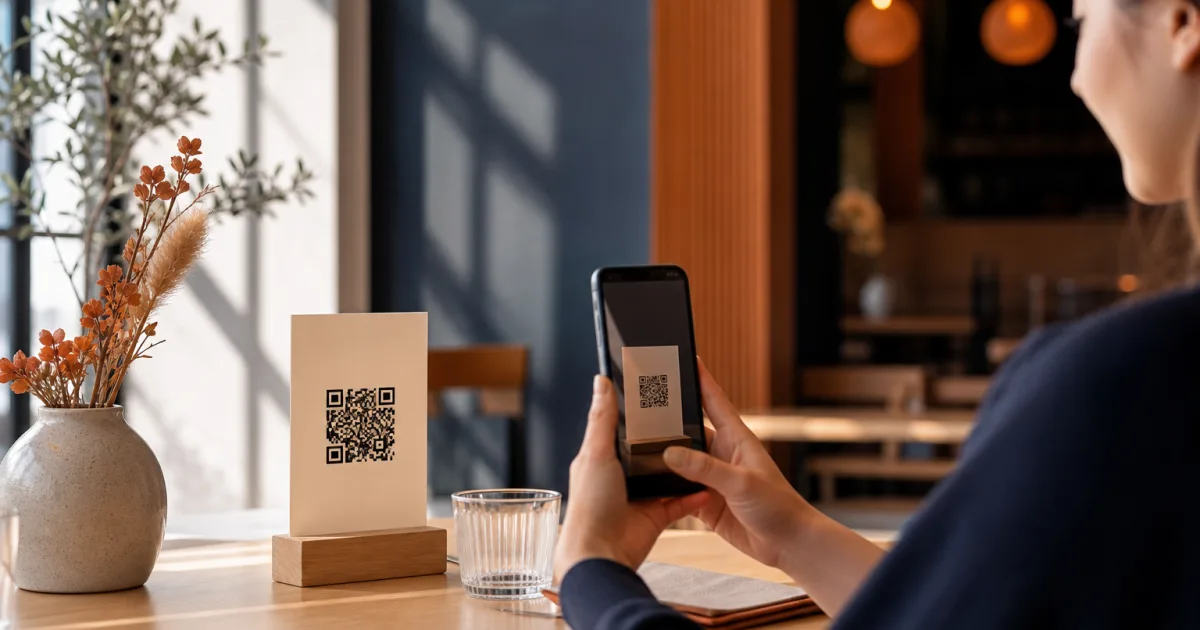
A QR menu gives café and restaurant guests a way to open a digital menu on their phone after scanning a code. The idea is simple, but the quality of the experience depends on the menu behind that code. If the information is difficult to scan, prices are hard to find or the page is awkward on a small screen, the QR code does not solve the customer’s problem.
To create a QR menu for a restaurant that customers can genuinely use, start with the menu itself. Then organise it for mobile reading, publish it behind the code and test the path a customer will take. The goal is not to add more technology to the table. It is to make choosing food and drinks feel clear, quick and comfortable.
Choose the menu information customers need
A useful digital restaurant menu answers the practical questions guests have while deciding what to order. Begin with the current dishes and drinks you actually offer, then make sure every listing contains the information needed to understand it.
- Dish or drink name: use the name guests will recognise when ordering.
- Description: add a short explanation where the name alone does not make the item clear.
- Price: place it where it is easy to connect with the relevant item.
- Availability: show the current situation rather than leaving guests to discover that an item is unavailable later.
Clarity matters more than elaborate wording. A customer should not need to work out which description belongs to which item, scroll repeatedly to find a price or ask what an unfamiliar label means. Keep descriptions focused on helping someone make a choice.
This is also why a digital menu should be treated as a live customer-facing resource rather than a copy of an old printed sheet. A change to a dish, a price or availability should be reflected in the version guests see. QR Menu lets cafés and restaurants publish a clear digital menu and change dishes, prices and availability without reprinting menus.
Organise dishes for mobile reading
Most guests will see a QR menu on a phone, where attention and screen space are limited. Mobile menu design therefore begins with a straightforward structure. Group items into categories that match the way people think about your offering, such as coffee, breakfast, sandwiches, desserts or drinks. Use the categories that fit your own menu rather than forcing it into a complicated template.
Put the clearest choices first
Within each category, use a consistent order. For example, a café may place its standard coffee choices before less familiar options, or a restaurant may list main dishes before additions. The exact sequence is less important than making it predictable. When people can see the shape of a category at a glance, they can compare options without losing their place.
Avoid turning every menu item into a long paragraph. On a phone, dense text makes a menu feel harder to use. Short, distinct entries help guests move through the menu at their own pace. If a dish needs explanation, write enough to clarify it, but do not bury the important details in unnecessary language.
Use headings as signposts
Clear category headings reduce scrolling and make the menu easier to revisit. A guest who has looked at mains should be able to find desserts or drinks again without guessing. Headings also help staff when they are assisting a customer who has a question about a specific part of the menu.
Consistency is especially valuable. Keep the same approach to names, descriptions and prices throughout the menu. A mixed format can make guests pause to interpret each section. A consistent format lets them focus on choosing.
Publish the menu behind a QR code
Once the menu content is ready, publish the digital menu behind the QR code. The code is an entry point, not the menu strategy itself. Its purpose is to take a guest directly to the information you have organised for mobile use.
Place the code where customers are likely to need it: for example, where they sit or where they decide what to order. Whatever placement you choose, the important thing is that guests can understand what scanning it will provide. A brief label such as Scan to view the menu makes the purpose immediate.
Keep the route simple. A customer should scan, open the menu and begin browsing. A comfortable mobile experience is particularly important because guests should not have to install anything merely to view the menu. Explore QR Menu for a no-install mobile menu experience that is designed for restaurants and cafés.
A QR code is most useful when it leads quickly to a menu that is current, readable and easy to navigate on a phone.
Test access from different devices
Testing is an essential step before relying on a restaurant QR code menu during service. Use a phone to scan the code as a guest would. Check whether the menu opens successfully and whether the first screen makes it obvious where to start. Then browse several categories and look for points where you have to stop and think.
Testing from more than one device can reveal differences in how comfortably the menu is read. Focus on the customer journey rather than on how the menu looks from the editing side. Ask practical questions:
- Can a guest scan the code and reach the menu without confusion?
- Are category names easy to understand?
- Can a guest find a particular dish, its description and its price?
- Is current availability clear?
- Can someone return to a category after browsing elsewhere?
It is useful to test when you are not already familiar with every item. Owners and staff know the menu so well that they may overlook unclear wording or a category that does not match a guest’s expectations. Read it as though you are choosing for the first time.
Keep the customer experience simple
The strongest contactless menu experience is usually the least demanding one. Customers want to know what is available and make a decision. They do not need an overloaded screen, an uncertain route to the menu or information that is no longer accurate.
Make updates part of your normal menu routine. When dishes, prices or availability change, review the digital version so the QR menu remains a reliable source of information. This practical advantage is one of the main reasons to use a digital menu: you can update what guests see without reprinting menus.
Also resist the urge to add information simply because a digital page has room for it. Every additional section should help a customer decide, understand an item or navigate the offering. If it does not, it may make the menu harder to scan on a phone.
Conclusion: build the menu first, then make access effortless
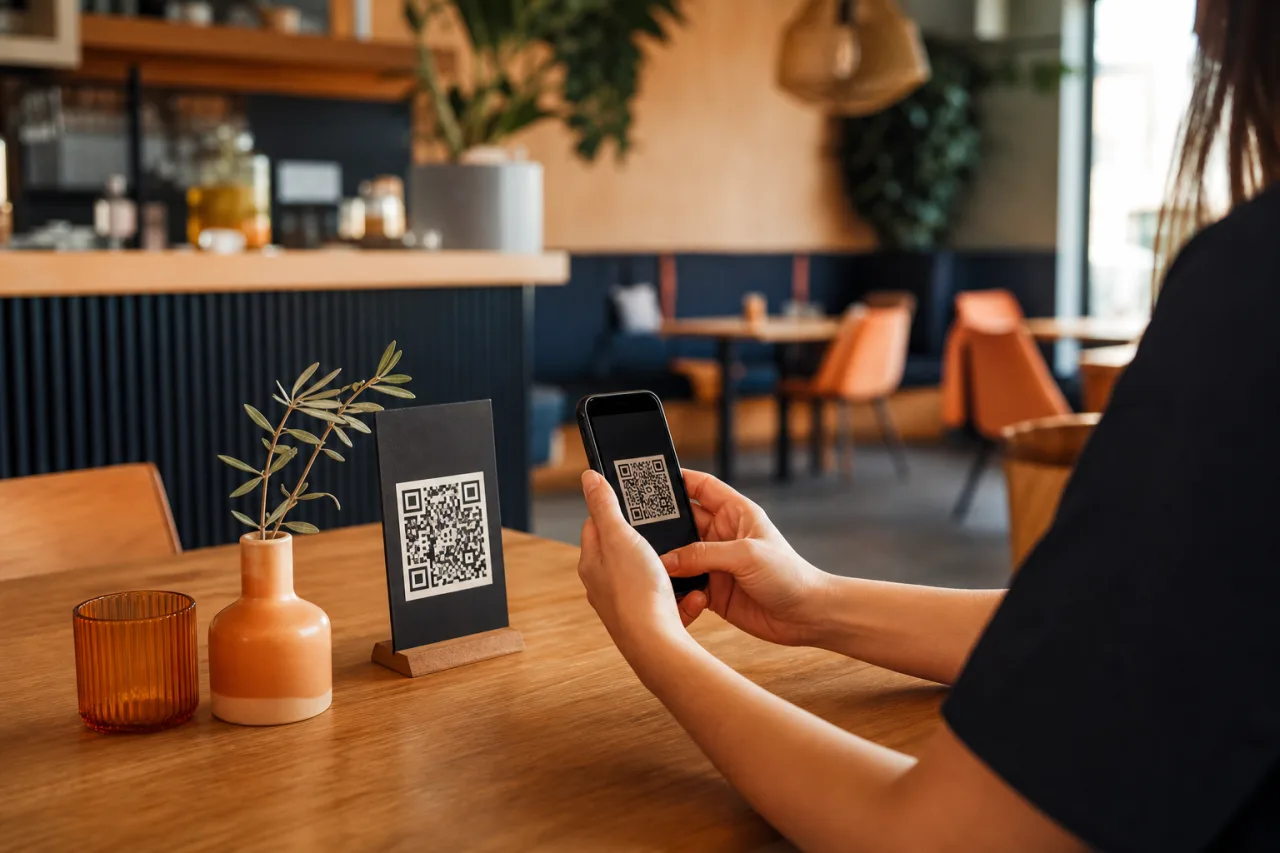
Creating a QR menu for a restaurant starts with accurate, useful menu information. Organise dishes into clear categories, write for a small screen, publish the menu behind a QR code and test the full journey on mobile devices. Keep it current as the menu changes, and give guests the direct path they expect when they scan.
Ready to publish a clear mobile menu? Use QR Menu to publish your digital menu and update it without reprinting.